
One link for everything your customer needs
Options, signatures, deposits and invoices in one branded portal. No app to download and no password to remember.
Sound familiar?
Customers get lost in the back-and-forth
“Can you resend that quote? I can’t find the email.”
Documents buried in inboxes mean more calls and slower decisions.
“They wanted the better water heater but didn’t want to ask.”
A fixed PDF can’t let customers explore options on their own.
“It took three texts to get the deposit paid.”
Every extra step between yes and paid is a chance to stall.
Here’s how Jomioz fixes it ↓
Make it easy to say yes
The fewer steps between your estimate and their payment, the more jobs you win.
- Choose and customize
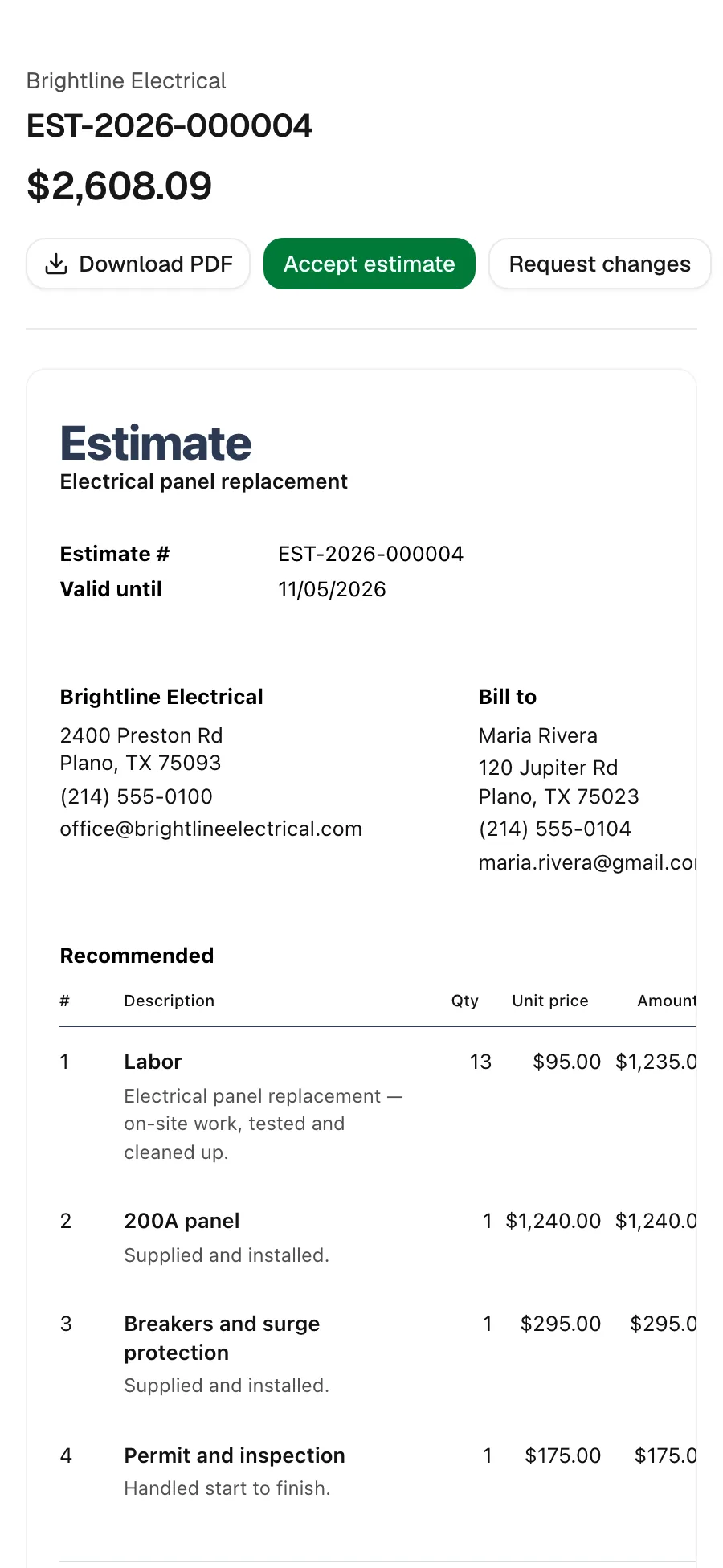
Customers compare packages, pick between options and check extras, with the total updating as they go.
Estimate #1042
Choose your option
Essential
$2,480.00
Recommended
$3,180.00
Premium
$3,820.00
Thermostat
Smart +$225.00StandardExtras
Recirculation pump+$525.00Total$3,930.00 - Sign on their phone
They draw a signature and accept. Every approval is recorded with a timestamp.
Estimate #1042
Approve and sign
Total$3,180.60Deposit 25%$795.15Sign hereApprove and pay depositApproval recordedSigned by Olivia Taylor - Pay the deposit
The deposit is shown upfront and paid in the same step as accepting.
Recommended$3,180.00Walk-in shower and new tiling
After you accept, you'll pay a $636.00 deposit to secure the work.
Accept estimate
Everything they need, in one link
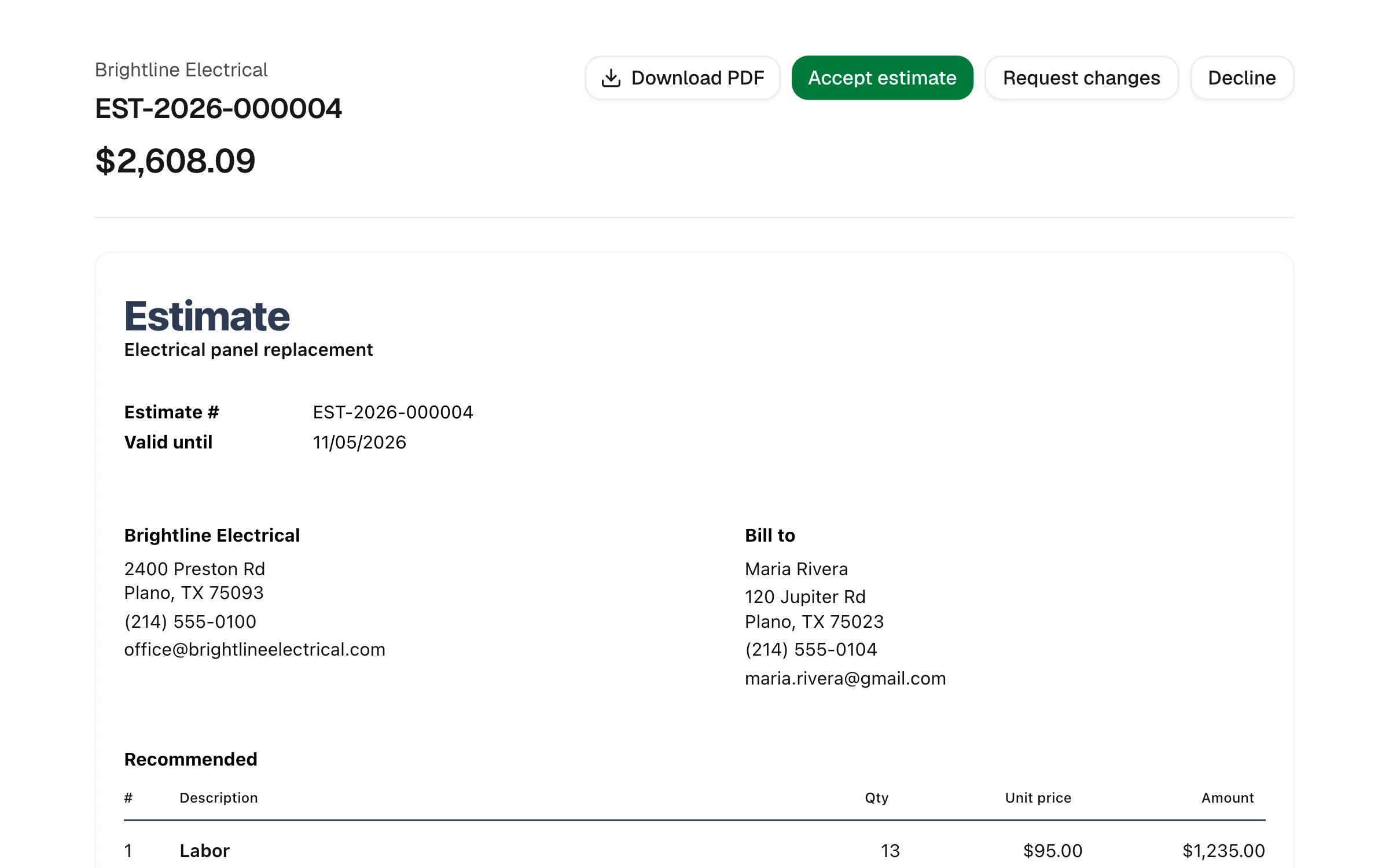
No app to download and no password to remember.
- ChoosingCompare the options
Packages side by side, with extras they can check.
- Saying yesSign and pay the deposit
They sign on their phone and pay the deposit in the same step.
- After the jobPay the invoice
Invoices, history and documents, all in the same place.
Pay from the email
Paying you is one tap away
Every invoice and reminder carries a pay link, so customers pay by card in seconds.

Hi Olivia,
Just a friendly reminder that this invoice is now due. You can pay securely online.
Amount due
$2,385.45
- Card payments via Jomioz Payments
- Saved cards when they allow it
- Automatic reminders
- Deposits and stages too
Clear bills
Everyone knows what’s left to pay
Invoices show what’s been paid, including deposits, and what’s still due, so there’s nothing to argue about.
Invoice #1042
Panel replacement
Carried over from estimate #1042
- Deposit credits shown
- Balance due in bold
- Download a PDF
- Pay online in seconds
“I'm not a computer person and I was worried about switching. I had it running in an afternoon. My estimates look properly professional now, and customers pay straight from the invoice, so I'm not chasing money.”
Clive L
Painter & decorator
Everything customers ask you for
Fewer calls, fewer texts, fewer “can you resend that?”
Magic-link login
No passwords. They tap the link and they’re in.
E-signatures
Approve and sign on their own phone.
Job history
Past estimates, invoices and visits in one place.
Documents
Download estimates and invoices as PDFs.
Comments
Questions on an estimate stay with the estimate.
Change requests
Ask to move an appointment without calling.
FAQs
Everything you need to know before you start.

Give customers one link, not ten emails
Start free for 14 days. No card needed.