
Everything your team needs on site
Due in November. The app will put today’s jobs, access notes, checklists and sign-off on every technician’s phone. Until then, open the job in the phone’s browser.
Sound familiar?
The office and the van shouldn’t be strangers
“Where’s the paperwork for the Smith job?”
Paper job sheets go missing, get wet and arrive a week late.
“I never know what time the lads actually finished.”
Hours scribbled at the end of the week are guesses, and payroll suffers.
“The customer rang to ask where we were.”
Nobody told them the technician was running late.
Here’s how Jomioz fixes it ↓
Built for the van, not the office
Big buttons, clear jobs, and nothing to fill in when they get home.
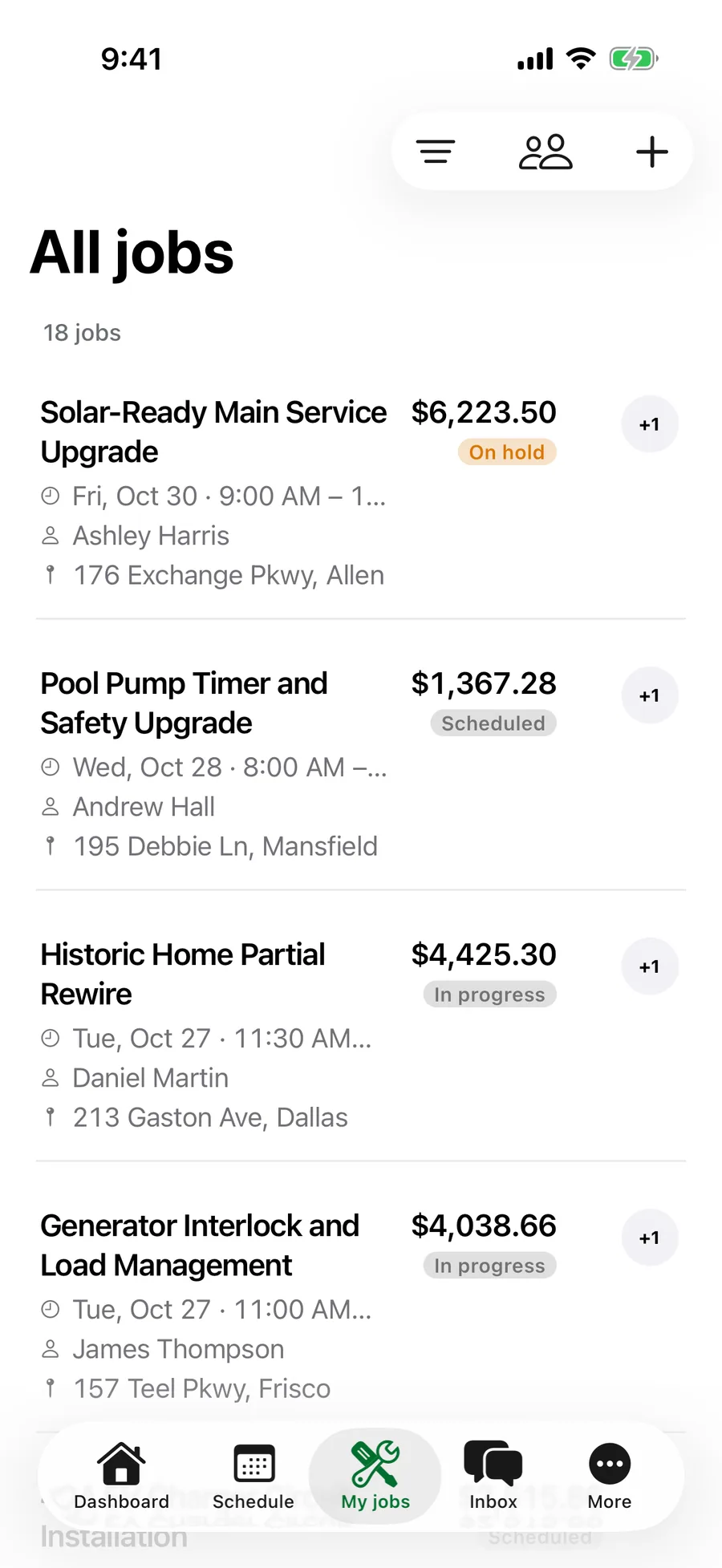
- Today, on one screen
The next job, the address and the access notes, with one tap to navigate or call. No ringing the office for the key-safe code.
- On my way, with a real ETA
Jomioz works out the drive time and emails the customer when you set off. Fewer “where are you?” calls.
9:41On my way
Olivia Taylor · 14 Elm Street
Let Olivia know24 min drive
Arriving about 8:24 AM
TodayScheduleJobsMore - Checklists that can’t be skipped
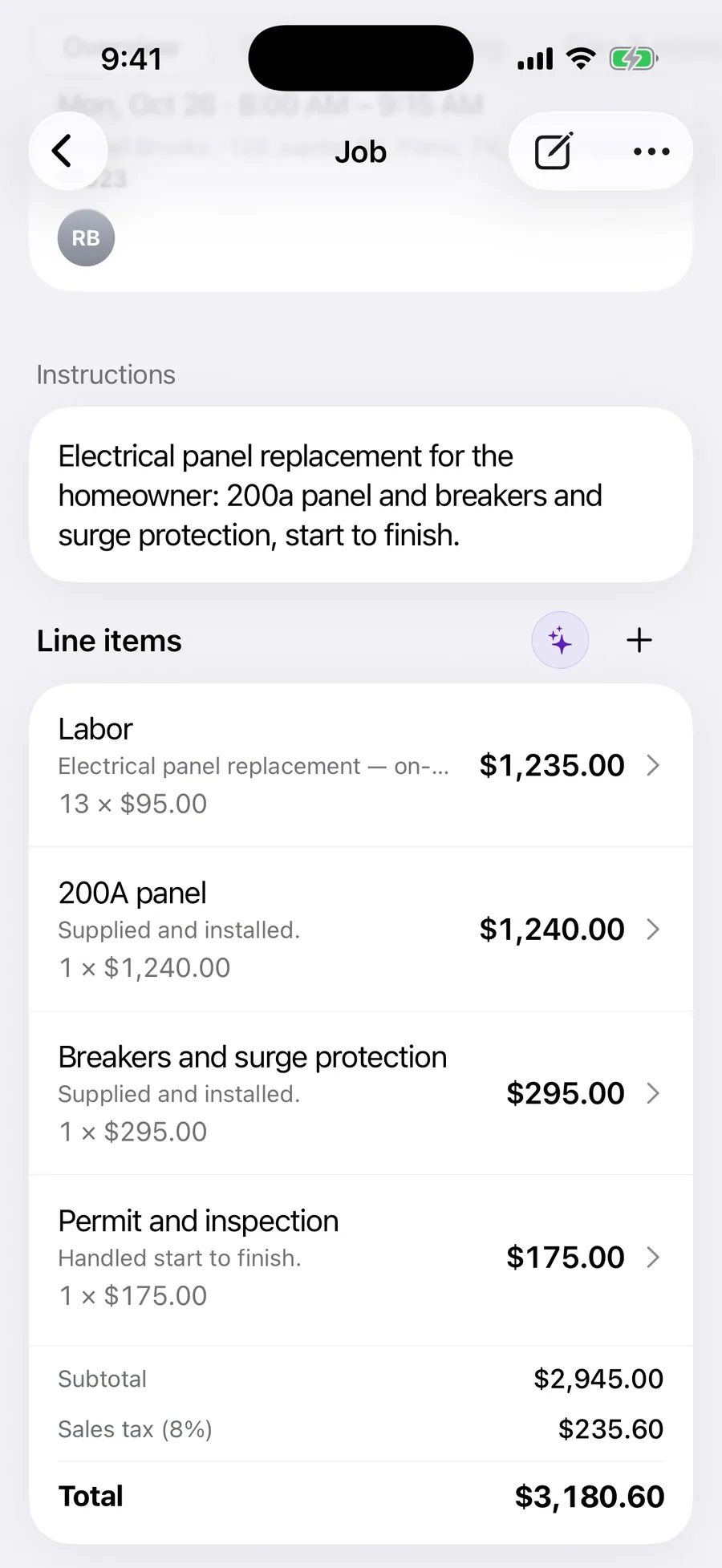
Readings, photos and safety checks are part of the visit. It can’t be finished until the required ones are done, so the paperwork is done before you leave.
9:41Visit checklist
Panel replacement
- Isolate the supply
- Install the new panel
- Test and certify
Ground and GFCI checkRequired
GFCI trip 24 ms · ground 0.4 Ω
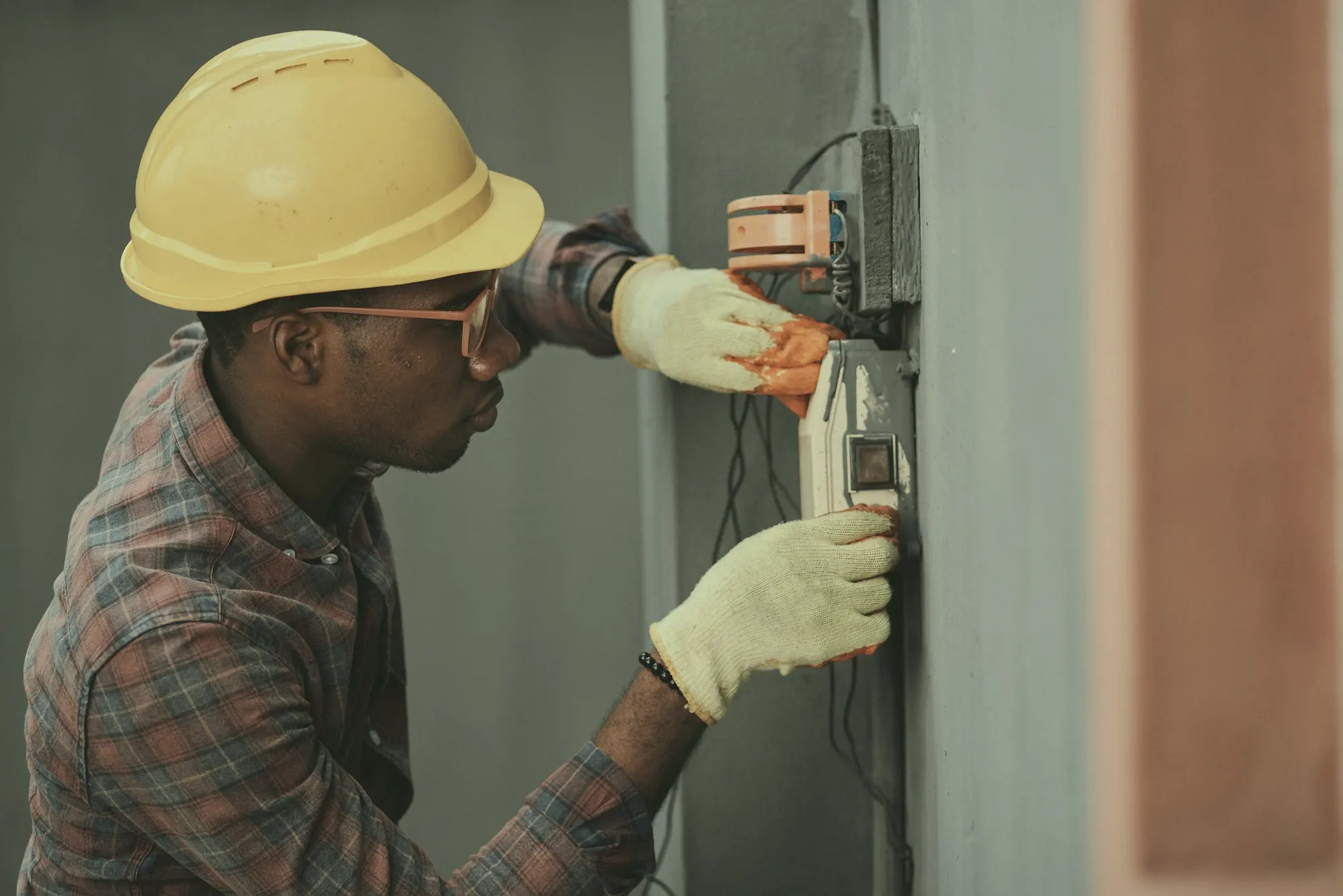
Photos
 TodayScheduleJobsMore
The whole visit on one phone
From leaving the yard to driving away signed off.
- Before you set offToday's jobs
The next job, the address and access notes, one tap to navigate.
- On the wayTell them I'm coming
Jomioz works out the drive time and lets the customer know.
- Wrapping upChecklist and sign-off
Required checks, photos and the customer's signature before you leave.
Live Activity
The job stays on the lock screen
Start a visit and Jomioz puts it on the lock screen and in the Dynamic Island: the site, when you started and how long you’ve been there. No unlocking the phone with your gloves on.

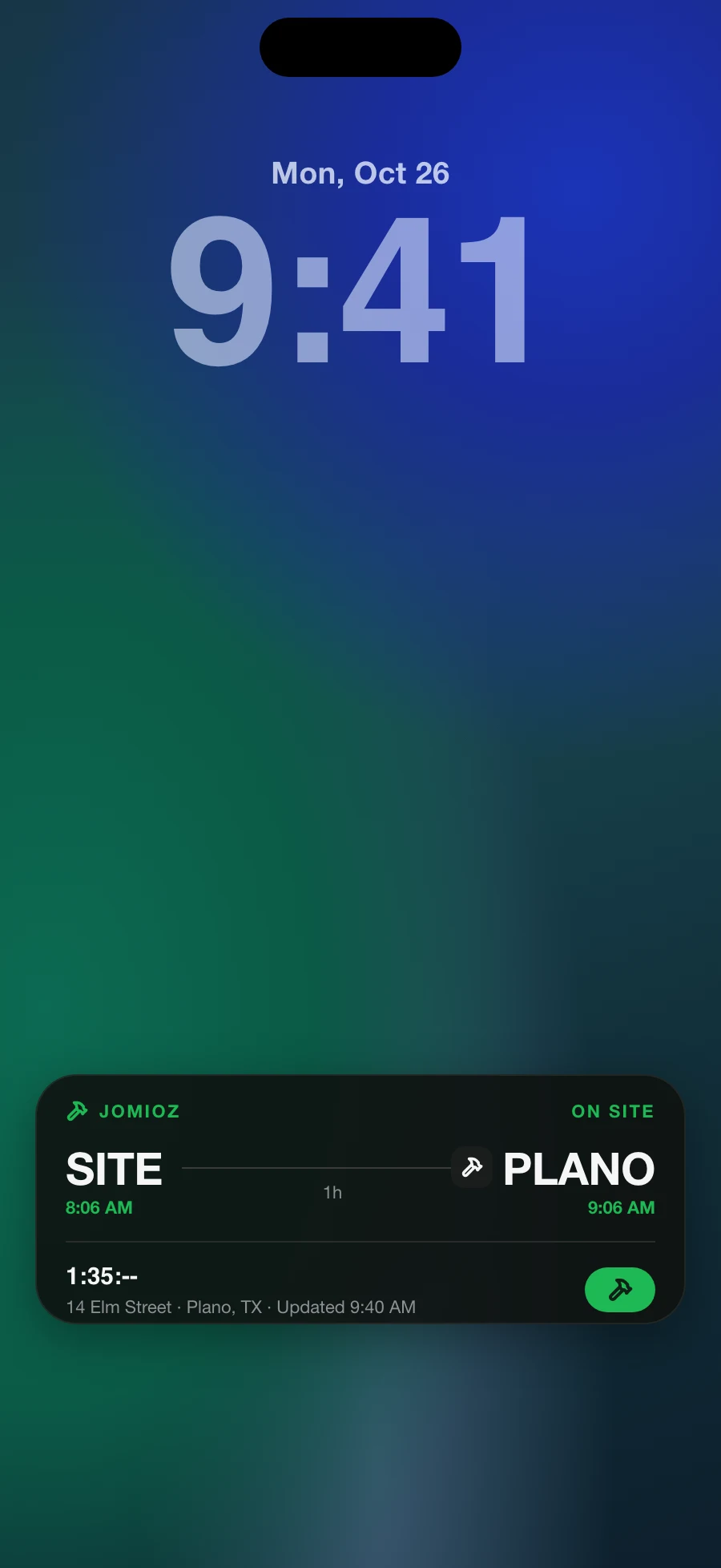
- A live timer for the visit you’re on
- The site, start and planned finish at a glance
- One tap back to the job
Sign-off
Get it signed before you drive away
The customer signs on your phone against the job, with their name and the time. If a question ever comes up, the signature, photos and checklist are all on the job.
Customer sign-off
Checklist complete · 4 / 4
Signed by Olivia Taylor
Finish visit- Make sign-off required on every visit
- Before and after photos stay with the visit
- Share the checklist as a PDF
Widgets
Your day on the Home Screen
Add the Jomioz widgets and the hours you’ve clocked, today’s jobs and the visit you’re on are there every time you pick up your phone.

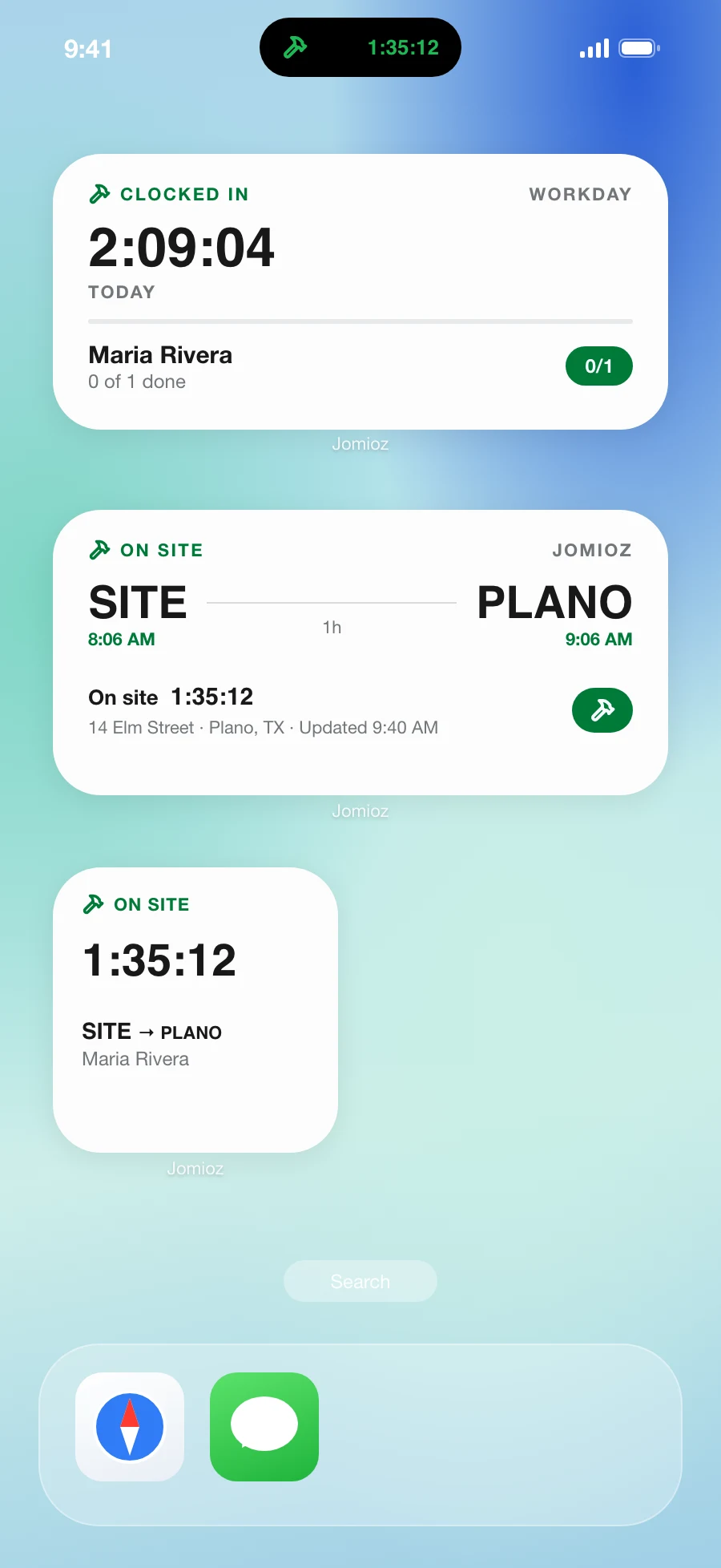
- Hours clocked today, checking live
- Jobs done out of today’s total
- Small and medium sizes
Time and costs
The office sees hours and costs as they happen
Clock-ins, job time and receipts come in from the van, not from a scrap of paper on Friday. Approve timesheets from your phone and export them for payroll.

Team today
- Sam6.5 hr
- Priya5.25 hr
- Tom3 hr
- See who’s on the clock right now
- Approve timesheets in one tap
- Log expenses against the job, billable or not
“I tried it and we've never looked back. Give it a go, 100%. We love it: simple, fantastic workflows, and the team always knows where they're going.”
Jay C
Electrician
Made for real days on site
The details that stop the “where’s the paperwork?” calls.
Access notes up front
Key-safe codes, parking and pets, right under the job.
Before and after photos
Proof of the work, grouped on the visit.
Expenses on the go
Fuel, parking and parts logged against the job.
Customer sign-off
The customer signs on the technician’s phone.
Timesheets
Hours ready for payroll at the end of the week.
Checklist reports
A PDF of every checklist, for the customer or your records.
FAQs
Everything you need to know before you start.
Give your team one app for the whole job
Start free for 14 days. No card needed.